
Make any website easier on your eyes
17 hand-tuned color schemes, plus frosted glass and animated backgrounds. Everything runs in your browser, with no server involved.
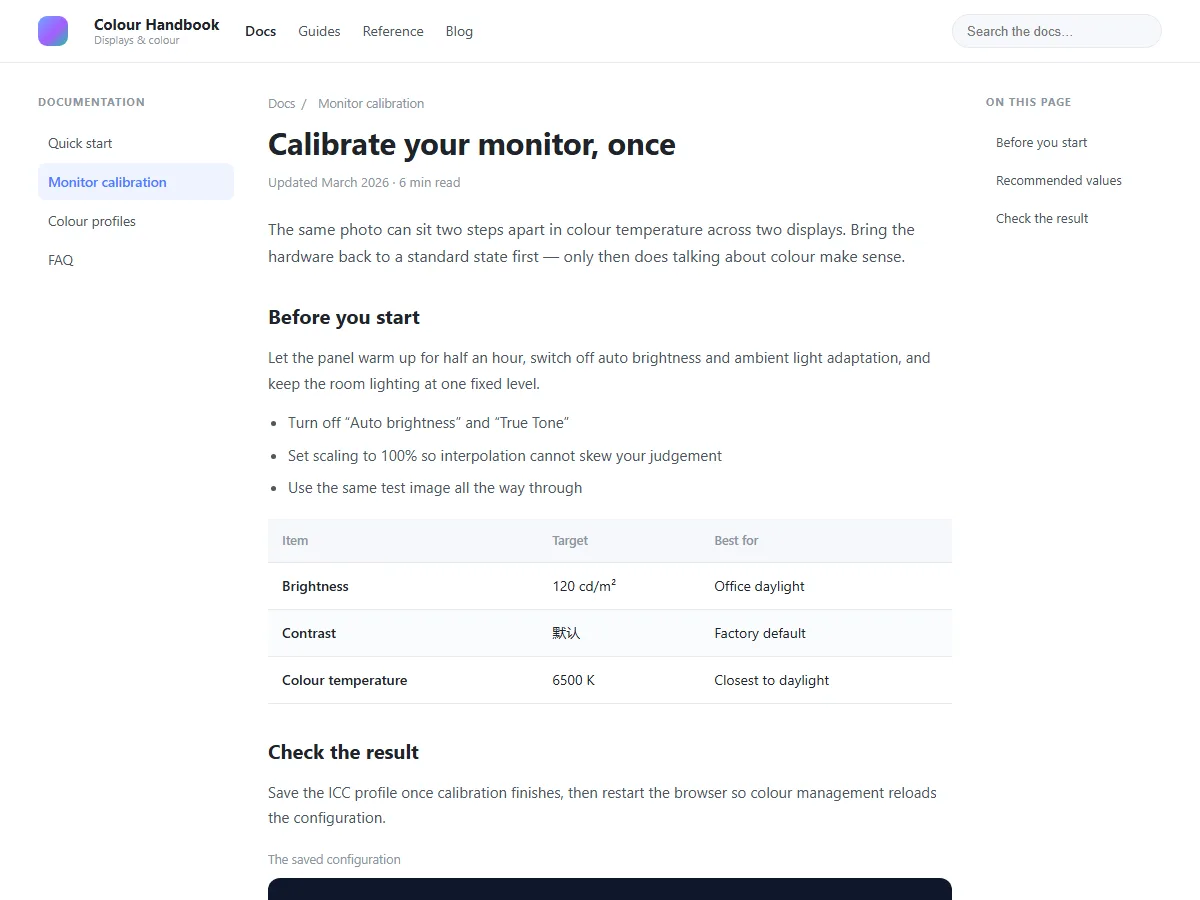
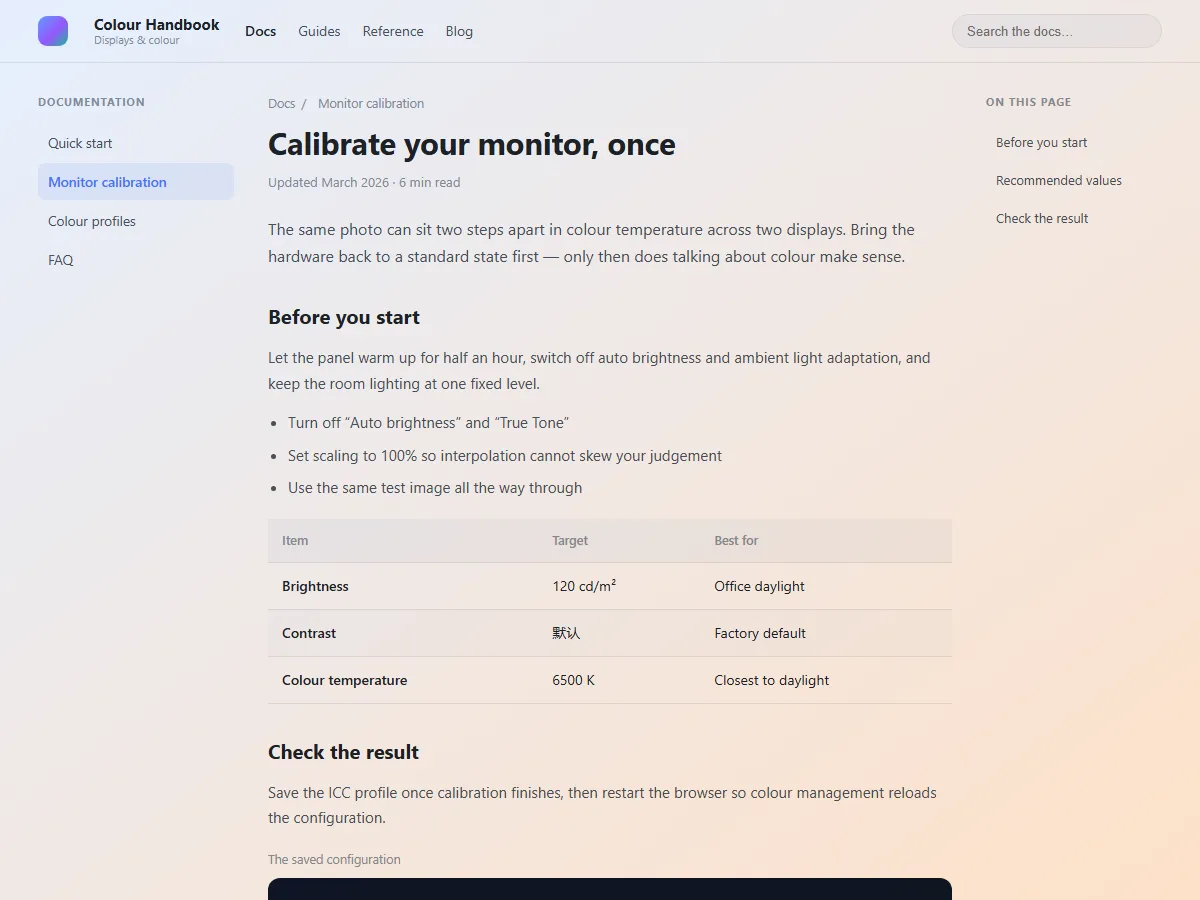
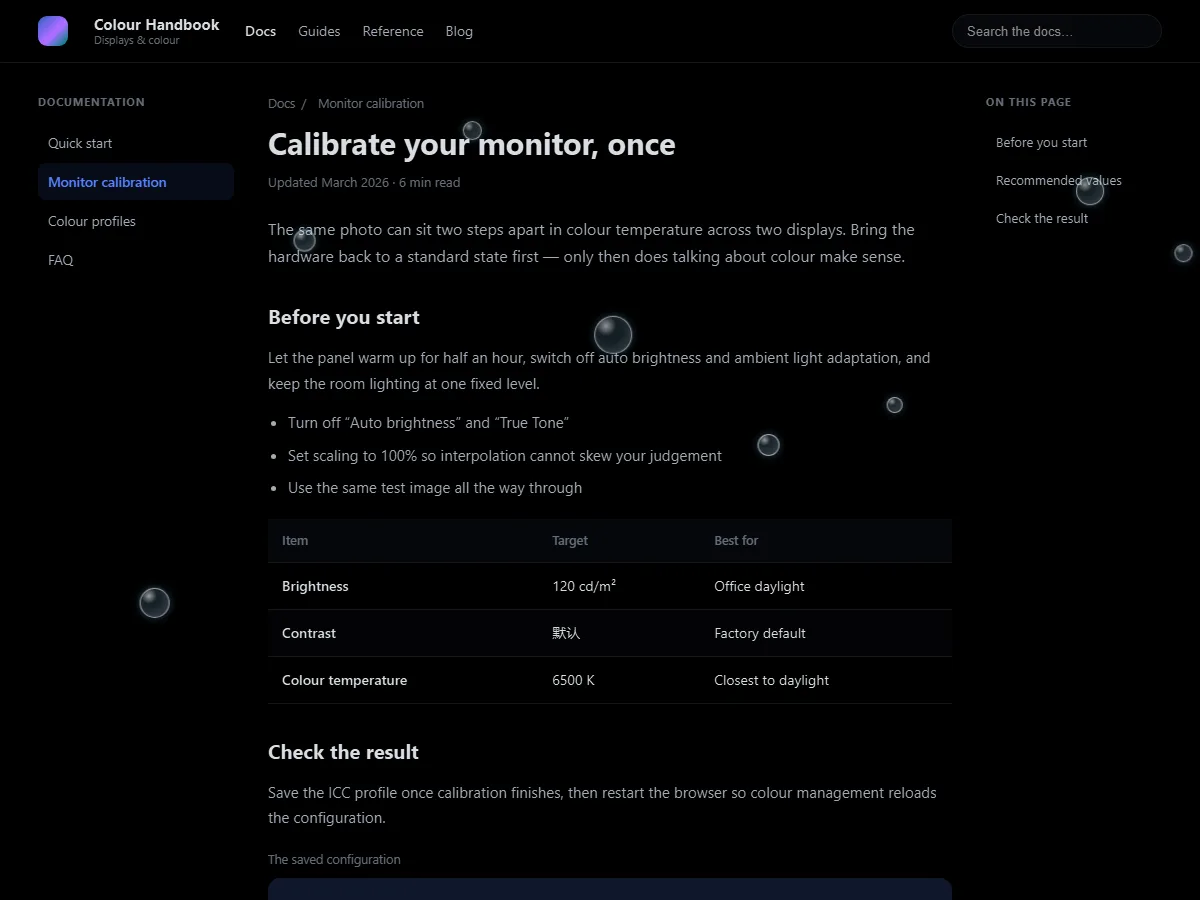
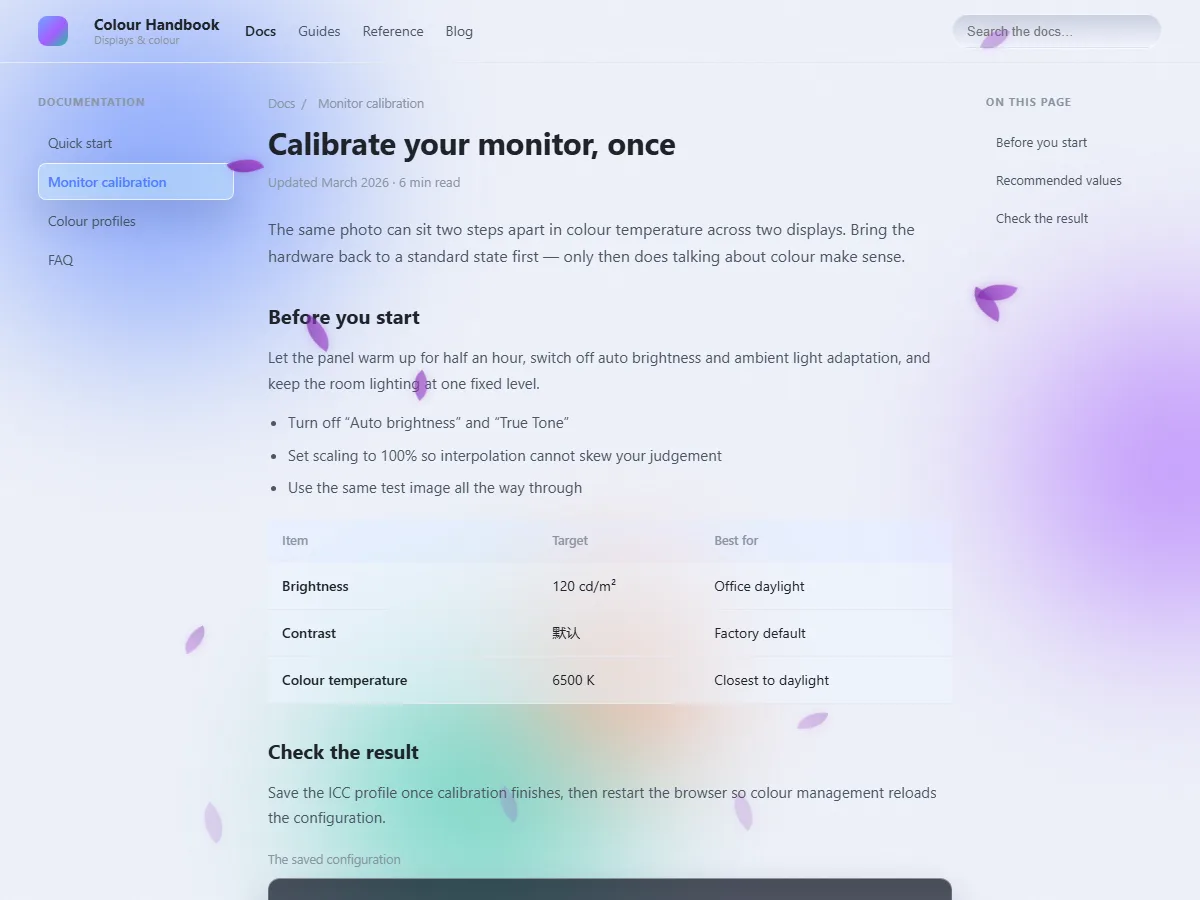
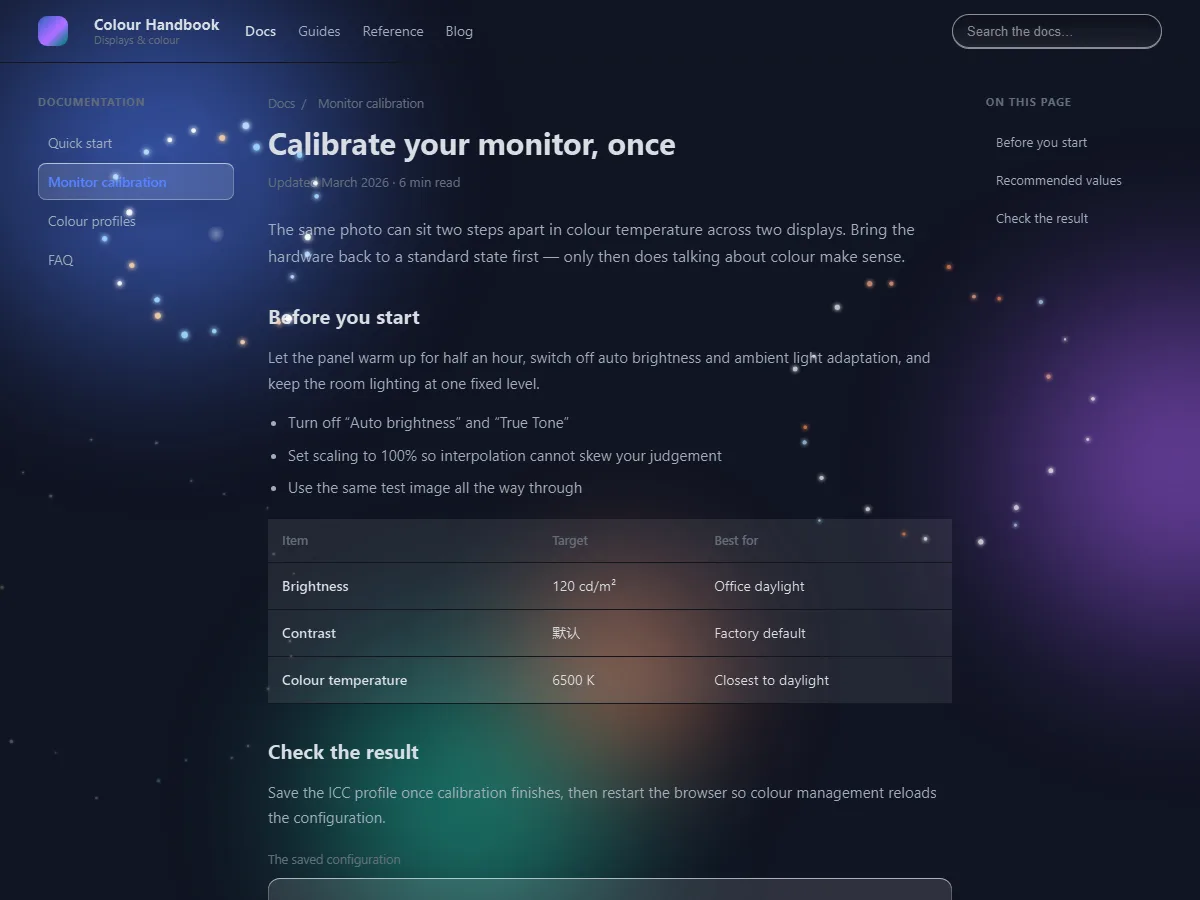
Watch a page change color
One page, 17 color schemes and 9 animated backgrounds. Every frame is the real extension at work.
What it actually does
What works right after install
Everything runs on your device. The free version needs no account.
All 17, including the 6 vivid ones
Eyecare, high contrast, dark and vivid — pick what your eyes like.
Frosted glass and color blobs (vivid set)
The page background really blurs; the UI stays crisp.
Animated backgrounds (9 animations, starfield and meteors free)
Rain, snow, starfield, meteors, fireflies, bubbles, leaves, fireworks, grain. Starfield and meteors are free.
Dark themes (smart invert, invert overlay)
Dark mode for sites that never built one: smart invert and invert overlay.
Per-domain settings
Set one per domain once, and it sticks.
Nothing leaves your device
Colours are computed locally: no browsing history is uploaded, no page text is read.
17 built-in presets
Ready on install. Every shot is what the extension actually renders.
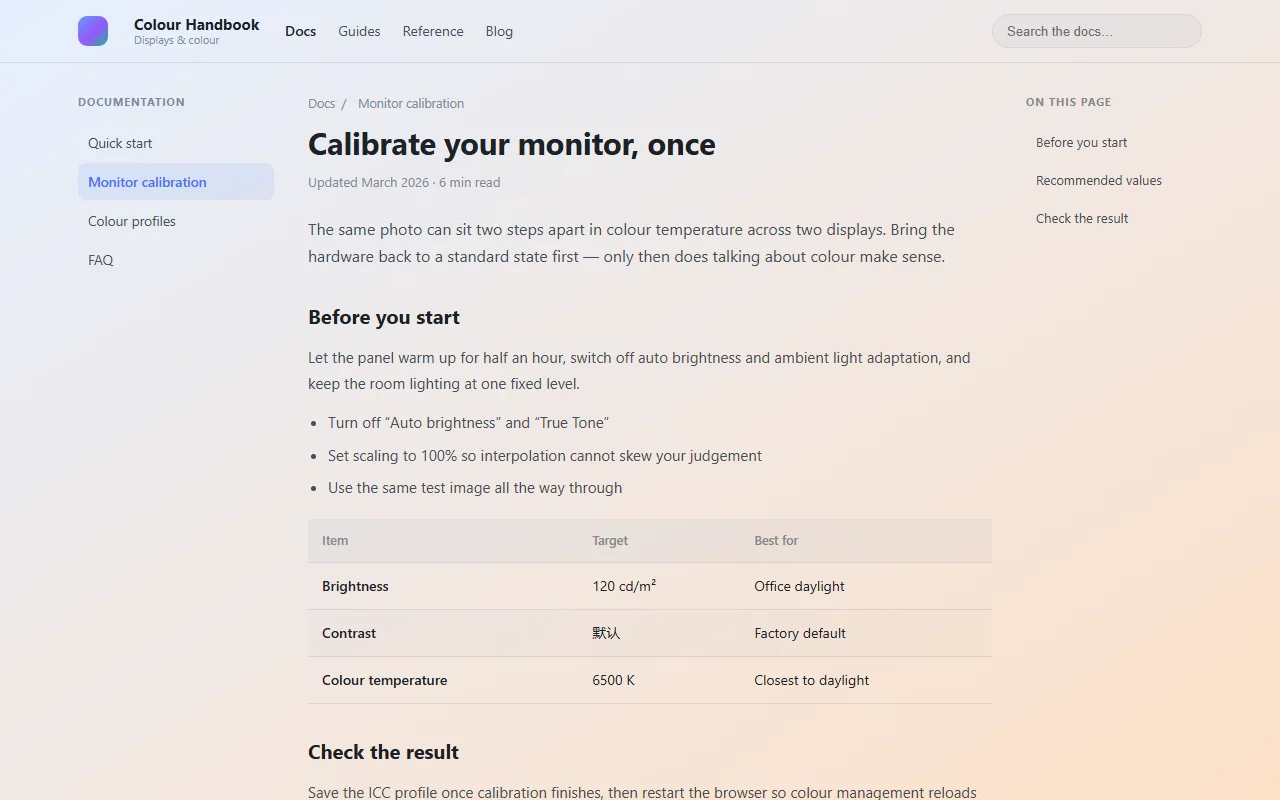
Dawn Eye Care45% 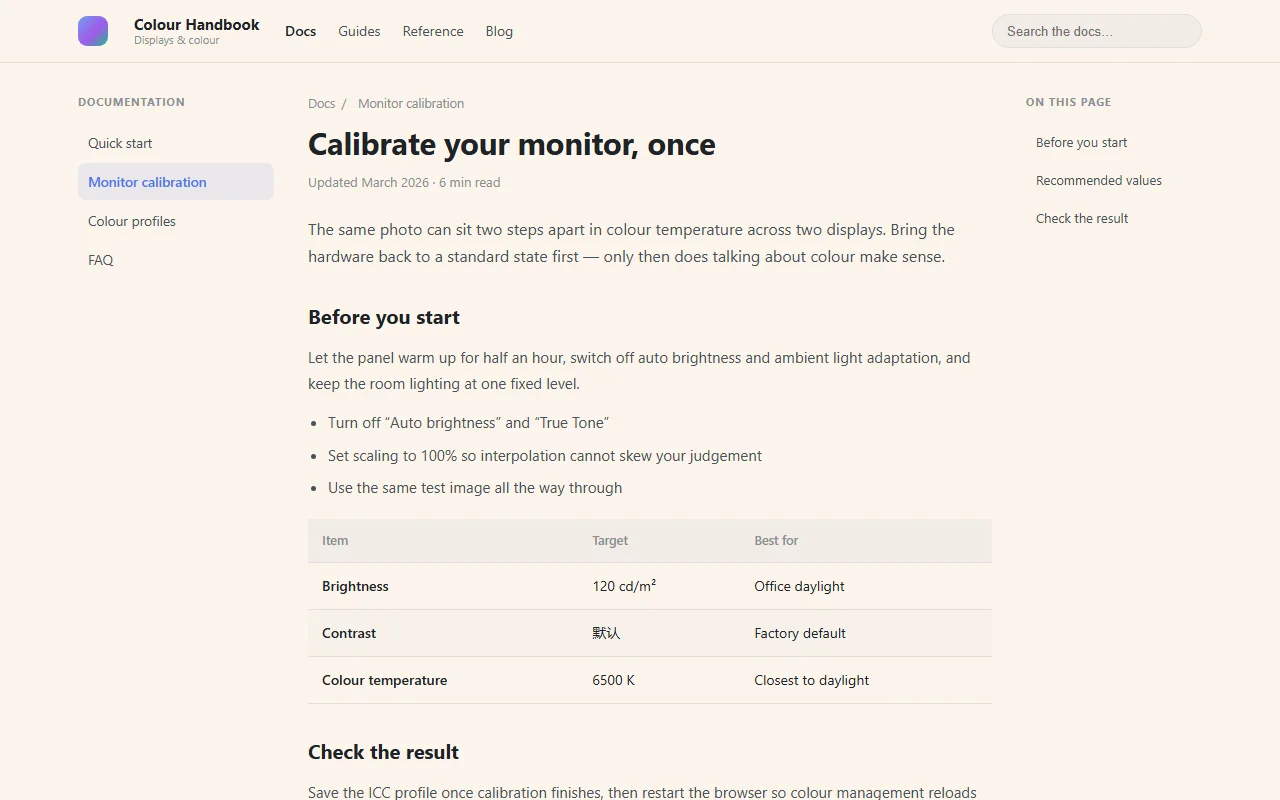
Warm Paper45% 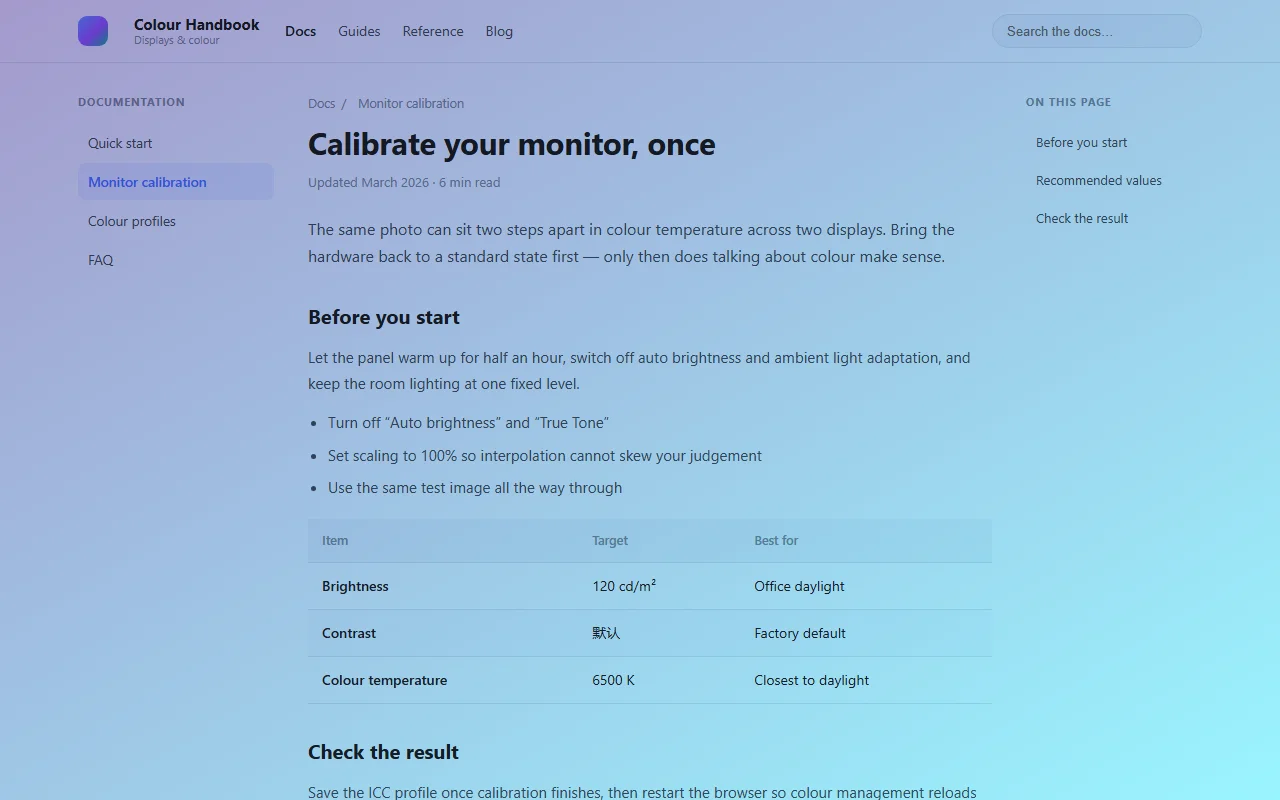
Cyber Blue40% 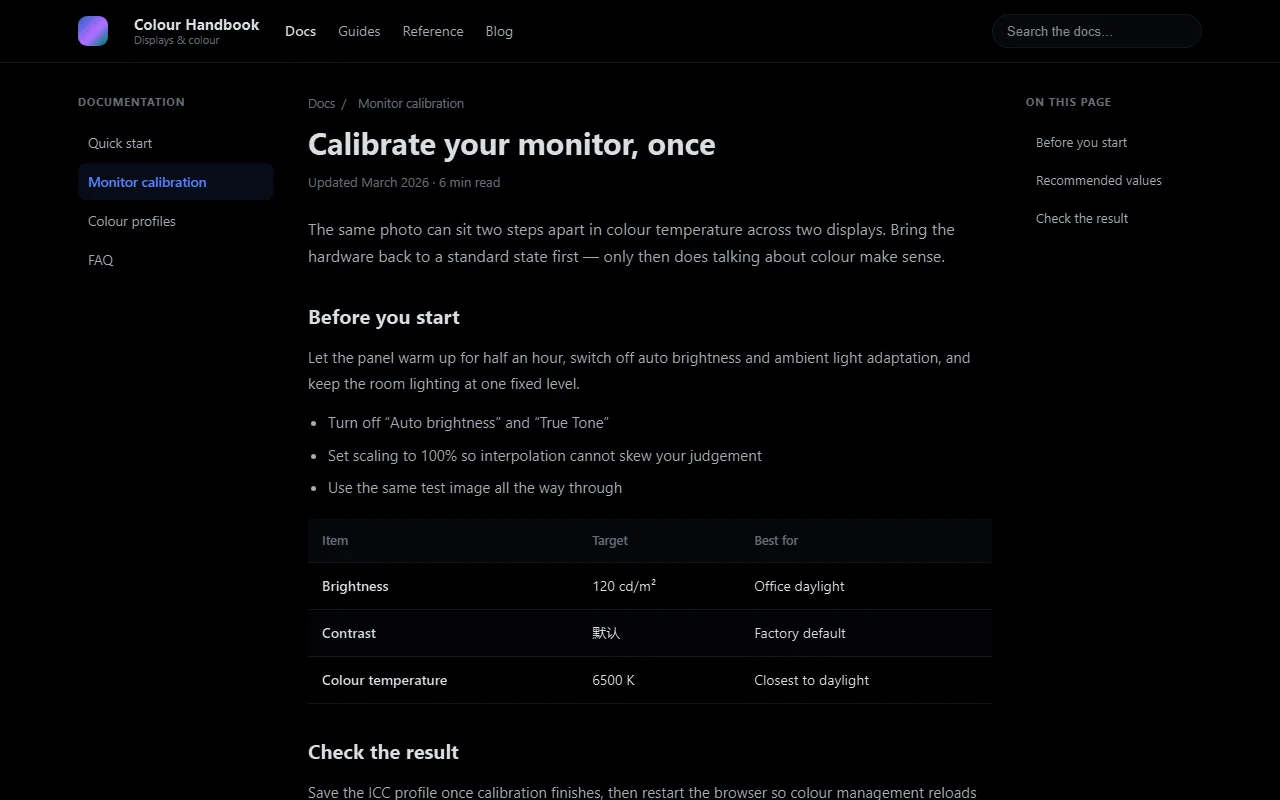
Smart Invert45% 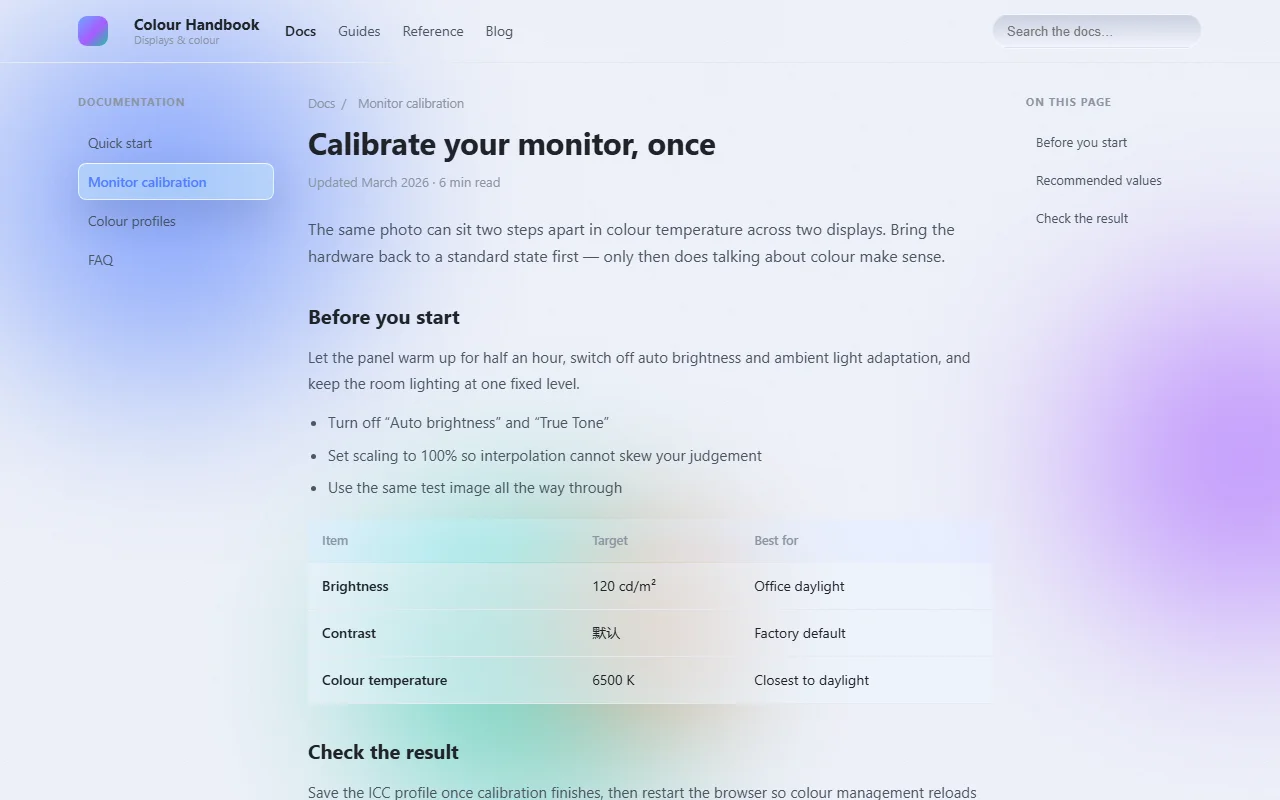 Pro
Frosted Glass45% 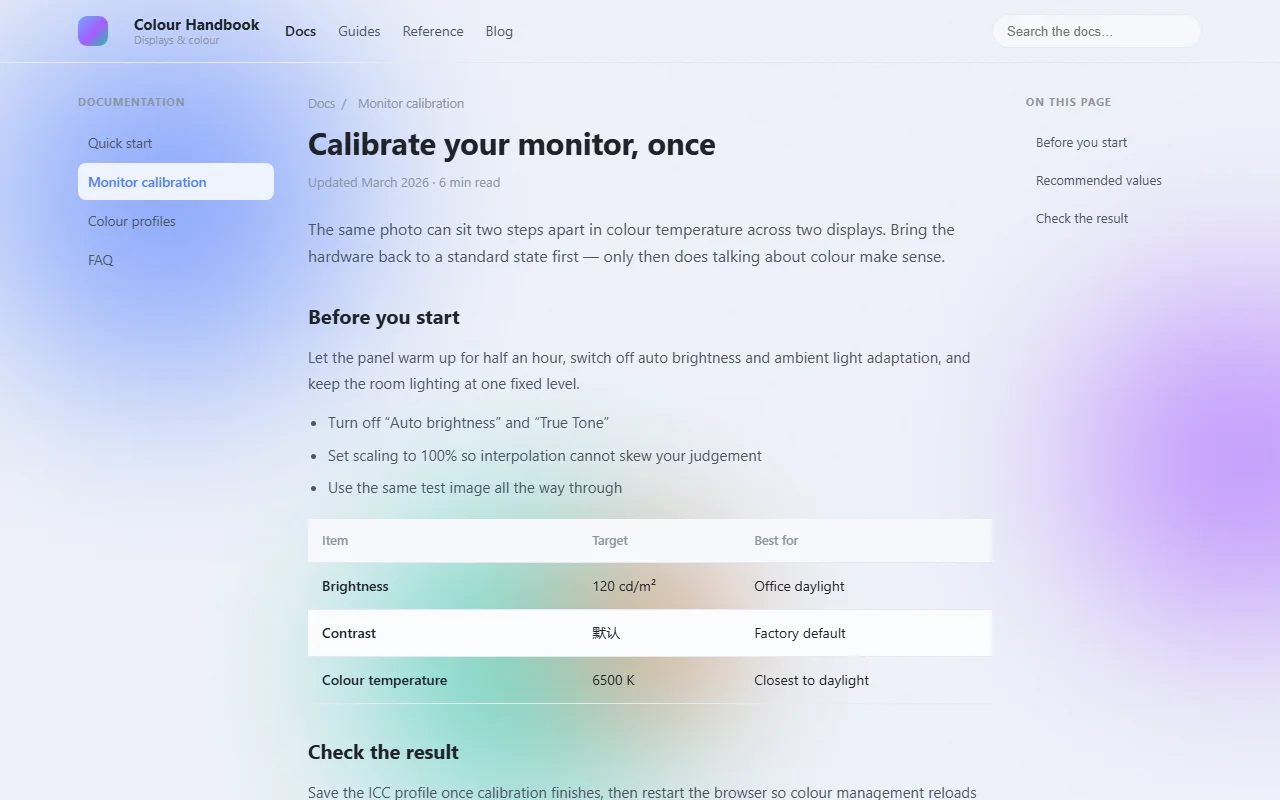 Pro
Color Blobs · Light45% 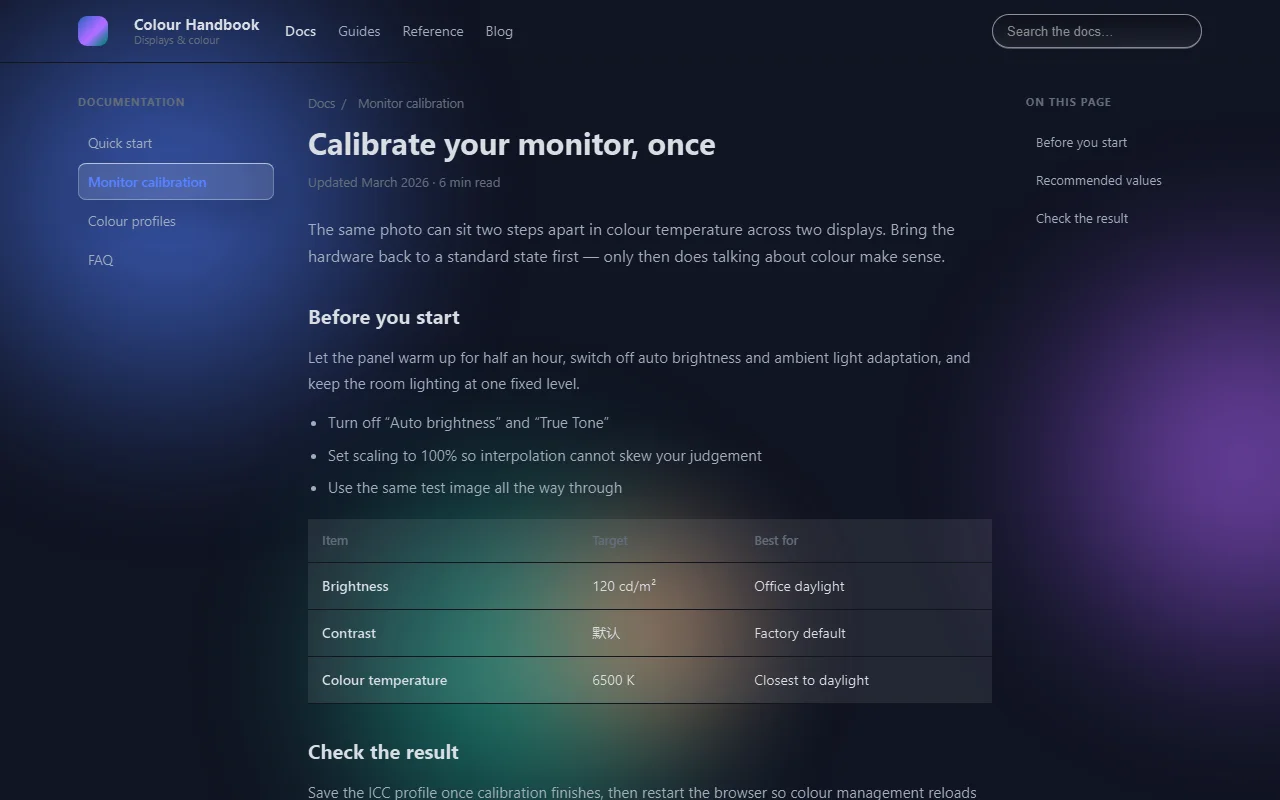 Pro
Frosted Glass Night45% 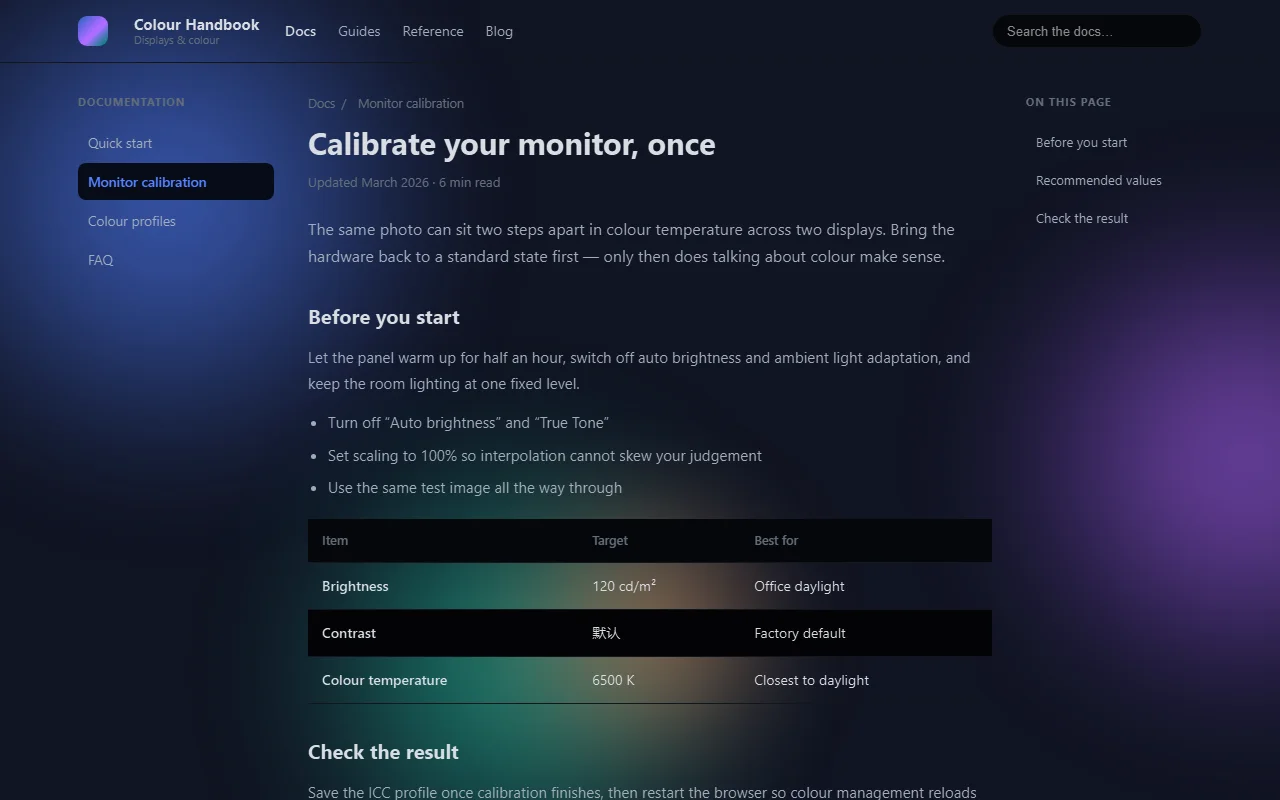 Pro
Color Blobs · Dark45%
Animated backgrounds
Add a moving layer behind the page
Nine animations across seventeen presets — the same particles read as a starry night, autumn leaves or fireworks in the snow.
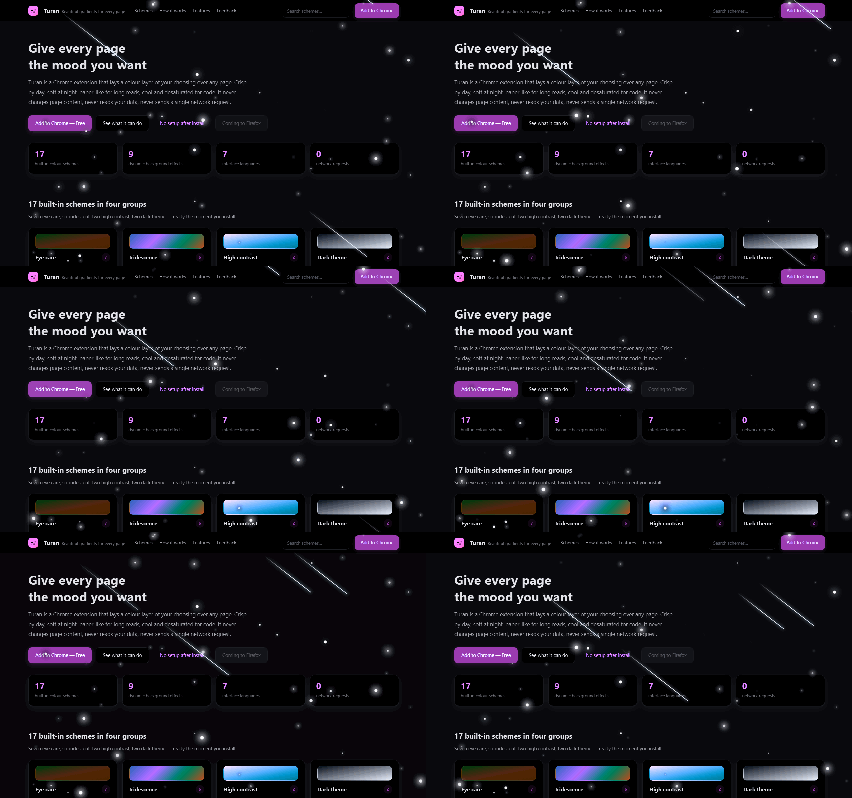
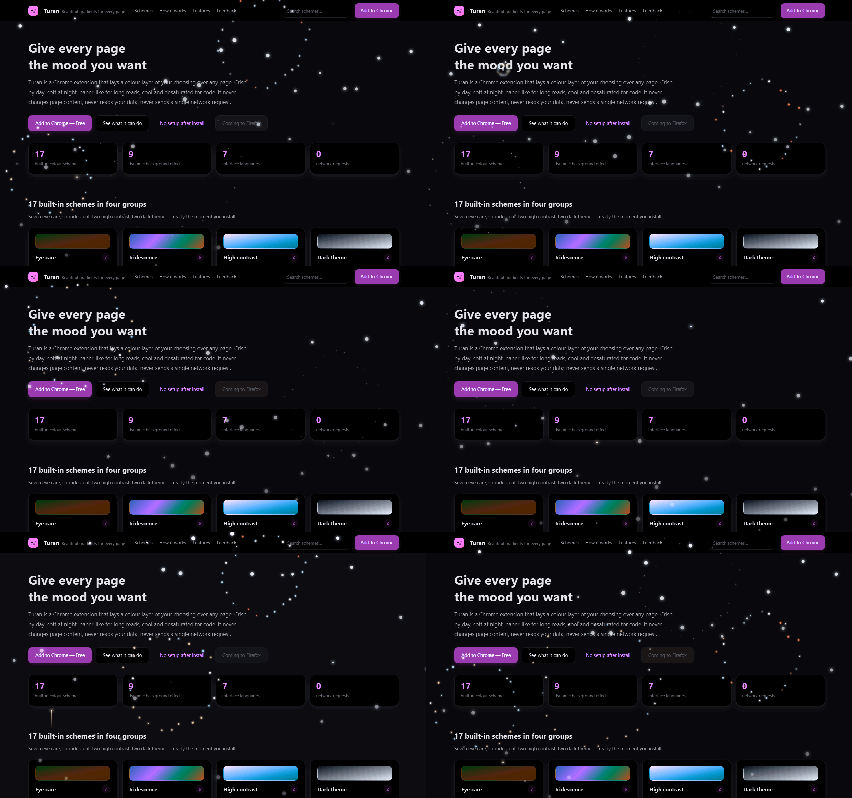
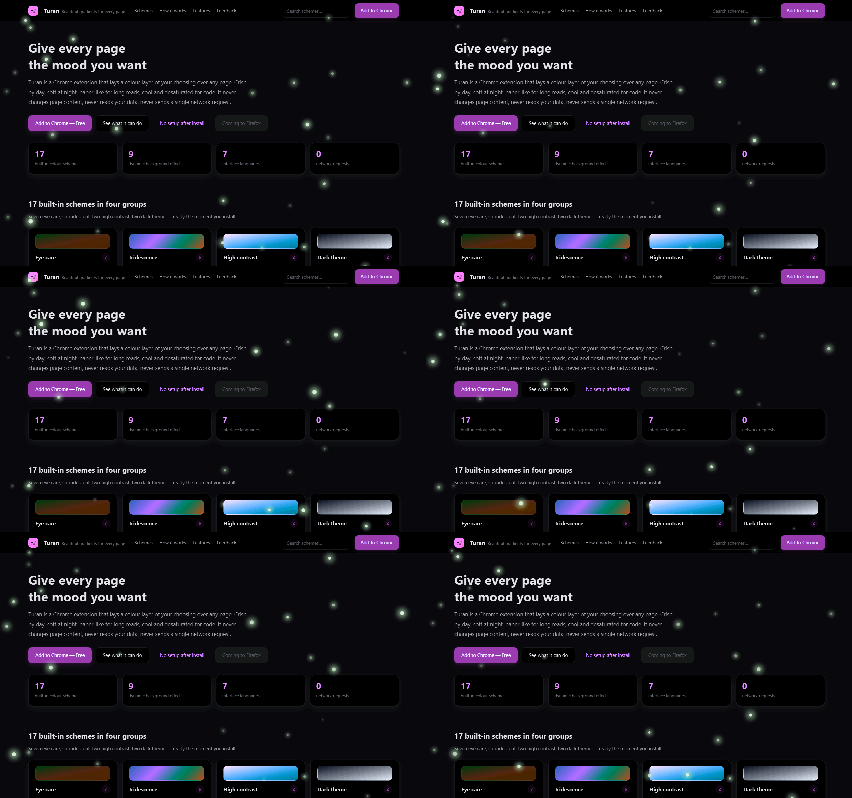
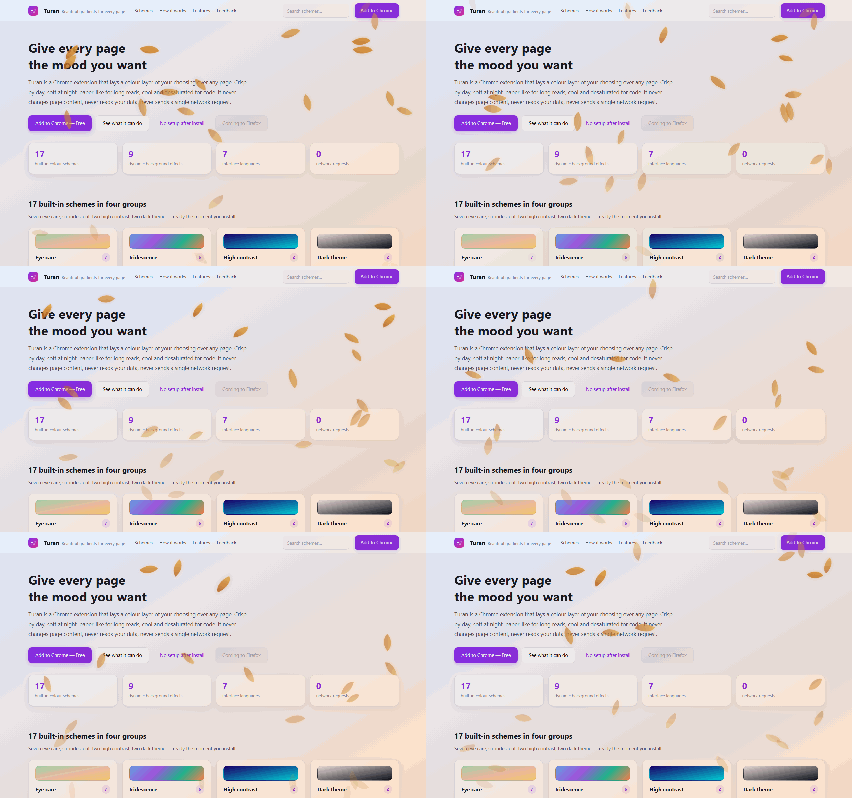
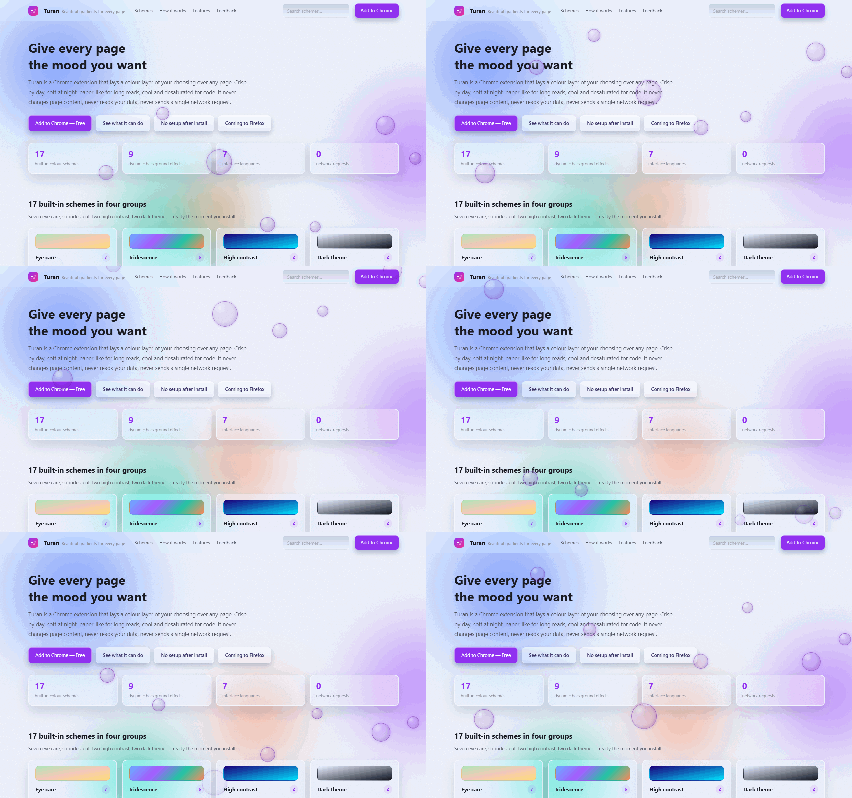
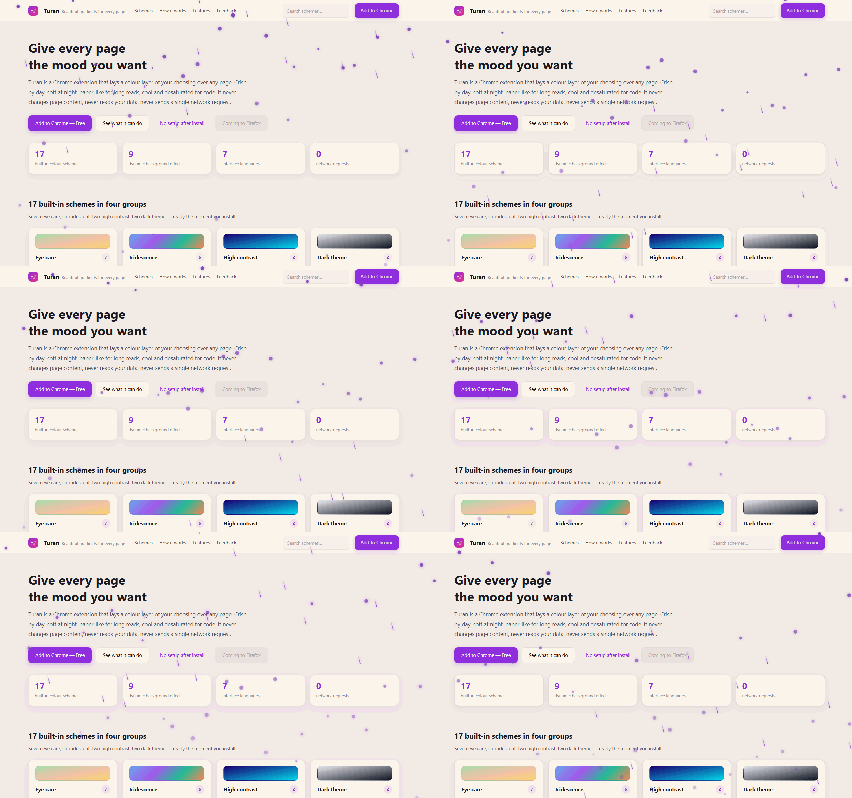
Starfield and meteors work right away. With "reduce motion" on, you get a still frame.
Start in three steps
No account, no settings file. It works as soon as it installs.
- 1
Add to Chrome
Confirm the install and allow the permission prompt. Nothing about your browsing is uploaded afterwards.
- 2
Pick a preset in the popup
Open the toolbar popup and click any preset. Changes apply instantly to the current tab.
- 3
Pin the icon and switch it off anytime
Pin Turan to the toolbar: toggle it on any page, turn it off when you are done.
Free vs Pro
The free tier covers daily use. Pro adds glass, motion and per-site settings.
Free
Free
No account, no subscription. Install it and go.
- ✓11 presets: 7 eyecare, 2 high-contrast, 2 dark
- ✓Dark themes (smart invert, invert overlay)
- ✓Multiply blending
- ✓Custom color schemes
Pro
Most popular$4.99/month
$48.00 /year
All 17 presets, frosted glass, animation and per-site settings.
- ✓All 17, including the 6 vivid ones
- ✓Frosted glass and color blobs (vivid set)
- ✓Per-domain settings
Full feature comparison
| Free vs Pro | Free | Pro |
|---|---|---|
| 11 presets: 7 eyecare, 2 high-contrast, 2 dark | ✓ | ✓ |
| All 17, including the 6 vivid ones | ✓ | |
| Dark themes (smart invert, invert overlay) | ✓ | ✓ |
| Frosted glass and color blobs (vivid set) | ✓ | |
| Animated backgrounds (9 animations, starfield and meteors free) | 2 / 9 | 9 / 9 |
| Multiply blending | ✓ | ✓ |
| Custom color schemes | ✓ | ✓ |
| Per-domain settings | ✓ |
Common questions
Can I use Pro on several computers?
Yes. One license covers up to 3 devices. You can remove a device from your account page at any time.
What happens when my subscription ends?
The extension falls back to Free. Your presets and site overrides stay saved, so nothing is lost if you come back.
Install it and see for yourself
The free tier stays free. Upgrade only if you want glass and motion.