
Animated backgrounds: 9 effects that bring pages to life
Colour schemes beautify the page; animated backgrounds set it in motion. The two are independent: you can run no colour at all and let snow fall acro…
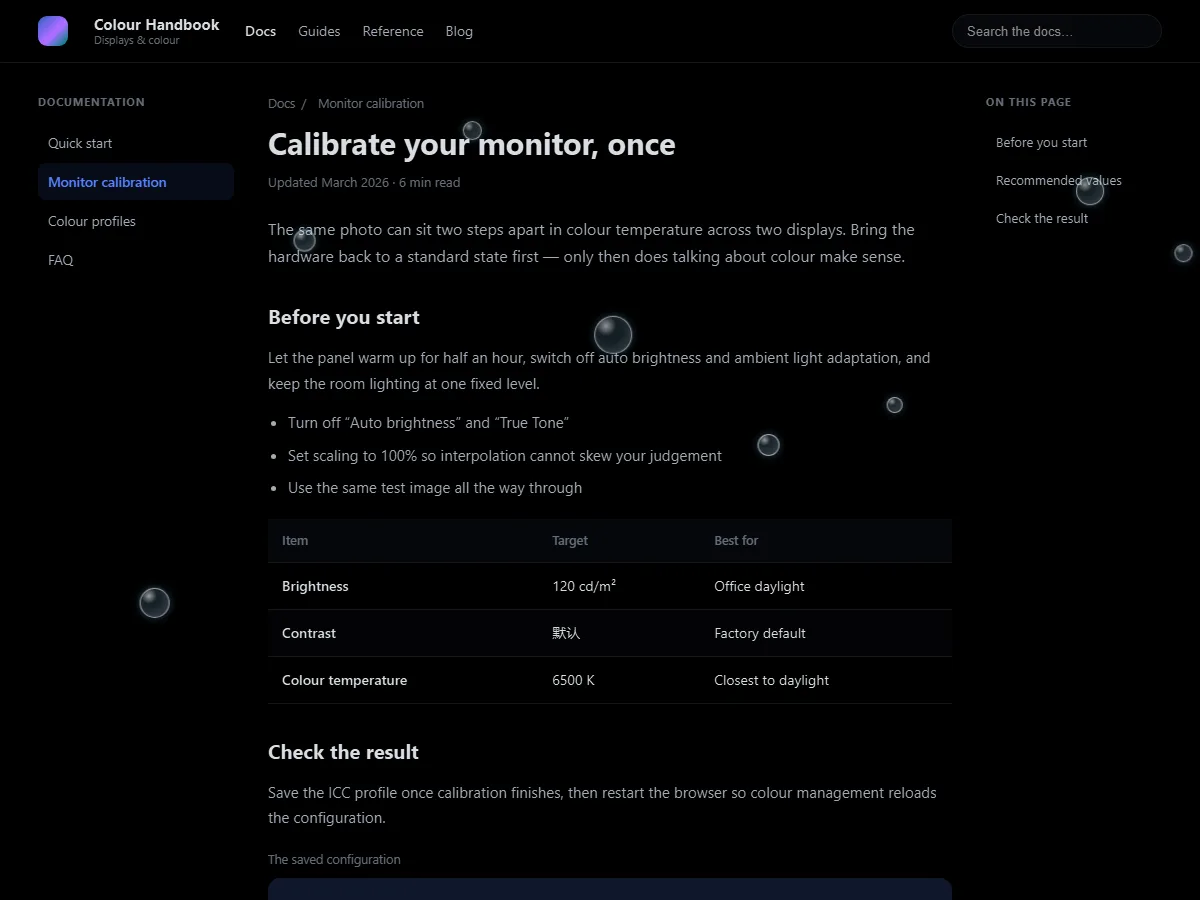
Colour schemes beautify the page; animated backgrounds set it in motion. The two are independent: you can run no colour at all and let snow fall across the page.
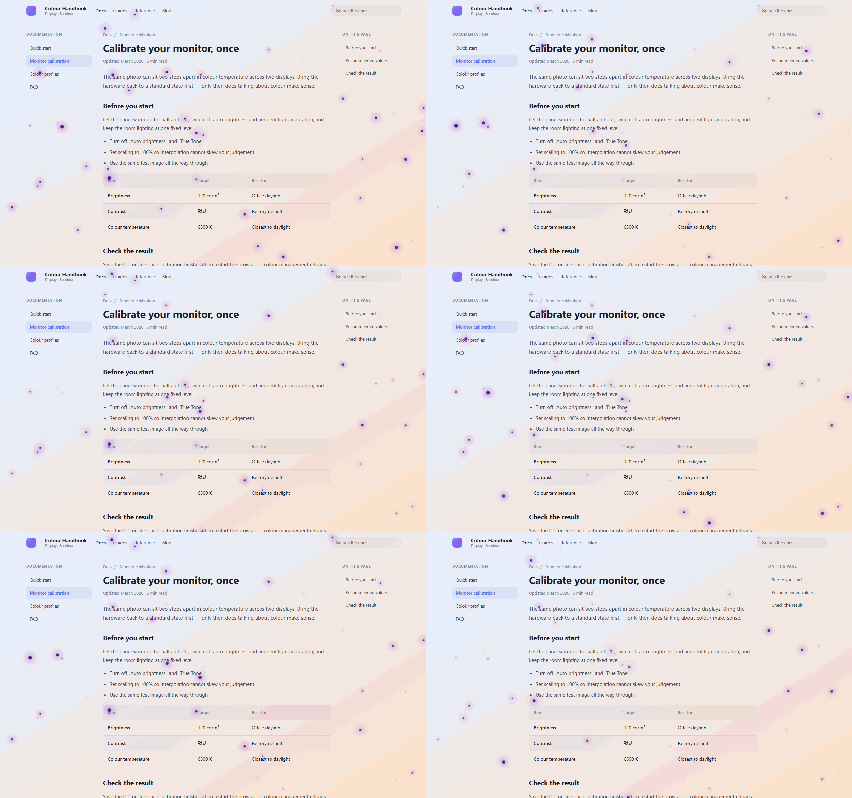 Light page — stars, deep purple dots with a purple glow
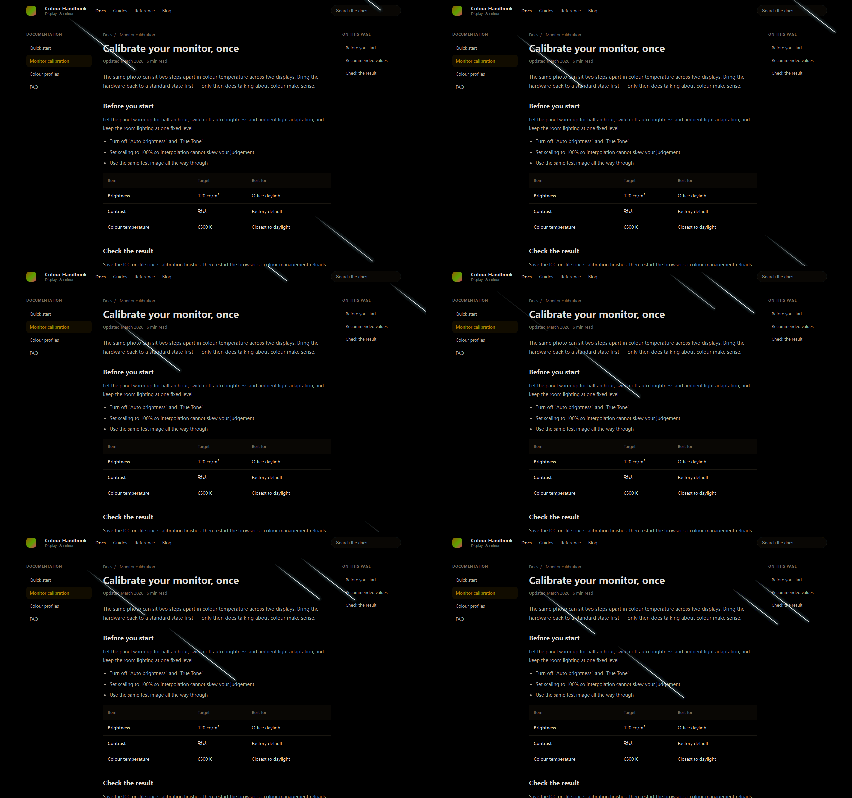 Dark page — meteors, white trails across a dimmed page
The nine effects
| Effect | Default | Adjustable |
|---|---|---|
| Stars | 48 | Count (8–120), size (0.5–2×), speed (0.5–2×) |
| Meteors | 5 | Count (1–5), length (0.5–2×), speed |
| Bubbles | 8 | Count (2–8), size, speed |
| Snow | 16 flakes | Count (4–60), size, speed |
| Rain | 18 streaks | Count (4–60), speed |
| Fireflies | 14 | Count (4–40), size, speed |
| Leaves | 12 | Count (4–30), size, speed |
| Fireworks | 5 bursts | Count (1–5), size, speed |
| Grain | Intensity 0.5 | Intensity (0–1), speed |
Every effect can be slowed to 0.5× (half speed) or pushed to 2× (twice as fast) — from "almost still" to "dizzying", your call.
Three things worth knowing
1. Switched on individually, and stackable
There is no single "animated background" master toggle — each effect has its own switch.
- Just a touch of atmosphere → turn on Grain for a film-like layer
- Snow → turn on Snow
- Snow plus a little texture → turn both on
To stop everything, use the master switch; to stop only the colour while keeping the animation, turn off Apply scheme.
2. Separate settings for light and dark pages
This is a deliberate design decision: each effect has its own set of parameters and colours for light pages and for dark pages.
Stars on a dark scheme are white dots with a cool blue glow; on a light page they become deep purple dots with a purple glow — white stars would simply be invisible on a white background.
You do not have to think about it: switching schemes swaps the set automatically. To tune it by hand, the configuration panel is split into "Light mode" and "Dark mode" columns, each with its own values.
3. Even the colours are editable
Every effect exposes its colours: the core and glow colour of stars, the border / fill / inner shadow / highlight of bubbles, the three explosion colours of fireworks, and so on. Change something you do not like? Hit Reset to default.
(Grain is greyscale by design, so it has no colours to edit.)
Decoupled from colour schemes
| What you want | How to set it |
|---|---|
| Colour only, no animation | Turn all animations off (the default) |
| Animation only, no colour | Turn off the Apply scheme switch; animations keep playing |
| Both | Turn both on |
| Neither | Turn off the master switch at the top |
Performance
- Effects are off by default, so installing costs nothing
- A switched-off effect is not rendered and uses no CPU
- While running, they are pure CSS animation: no hijacking of page scripts, no interference with page interaction
If a low-end machine struggles, lower the count and the speed; if that still is not enough, switch everything off and the page is instantly back to normal.
A few combinations worth trying
| The mood you want | Combination |
|---|---|
| A quiet night | Smart invert + stars (count 60, speed 0.7×) |
| Rain at the window | Misty Veil + rain (count 40, speed 1.2×) |
| Winter | Dawn Eye Care + snow (count 30, size 1.4×) |
| Film texture | Warm Paper + grain (intensity 0.25) |
| Autumn | Honey Dusk + leaves (count 20) |
| Time to celebrate | Iridescent Blobs + fireworks (count 5) |
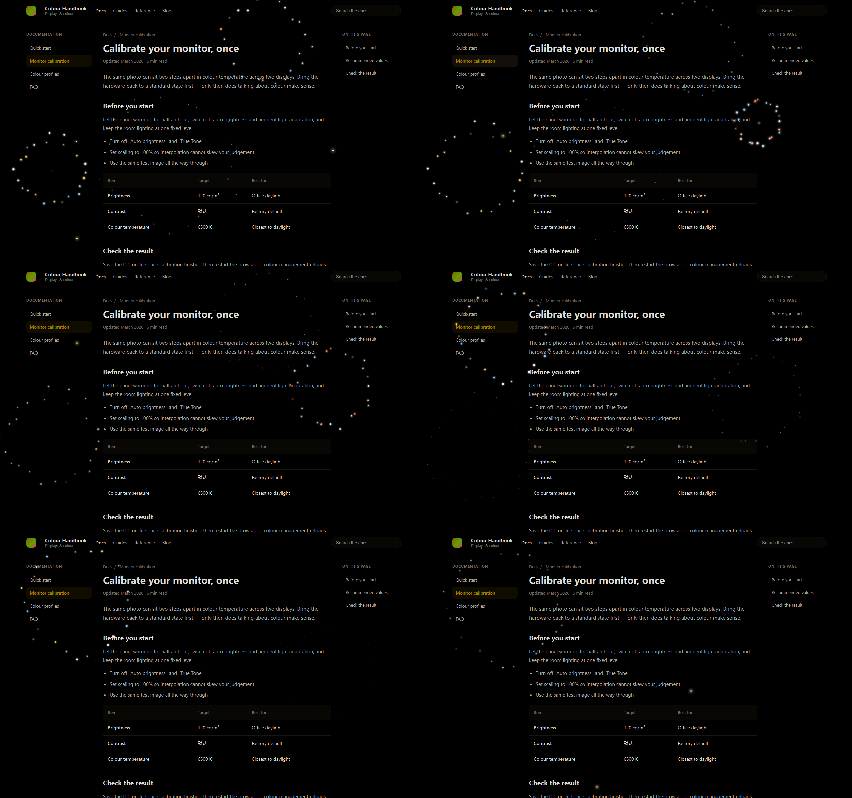 Iridescent Blobs + fireworks
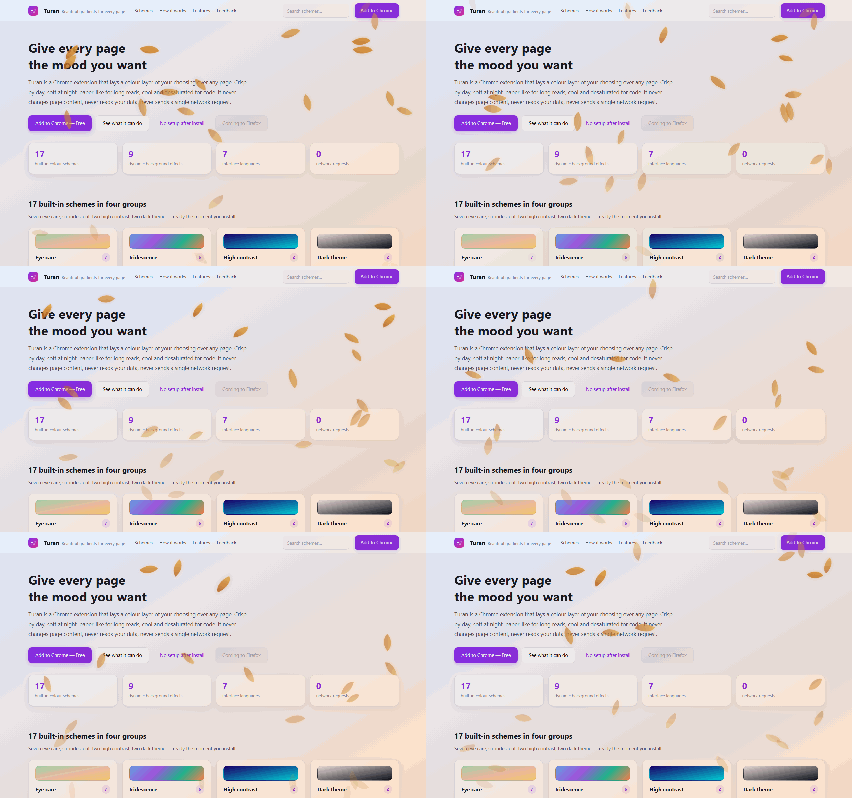 Honey Dusk + leaves
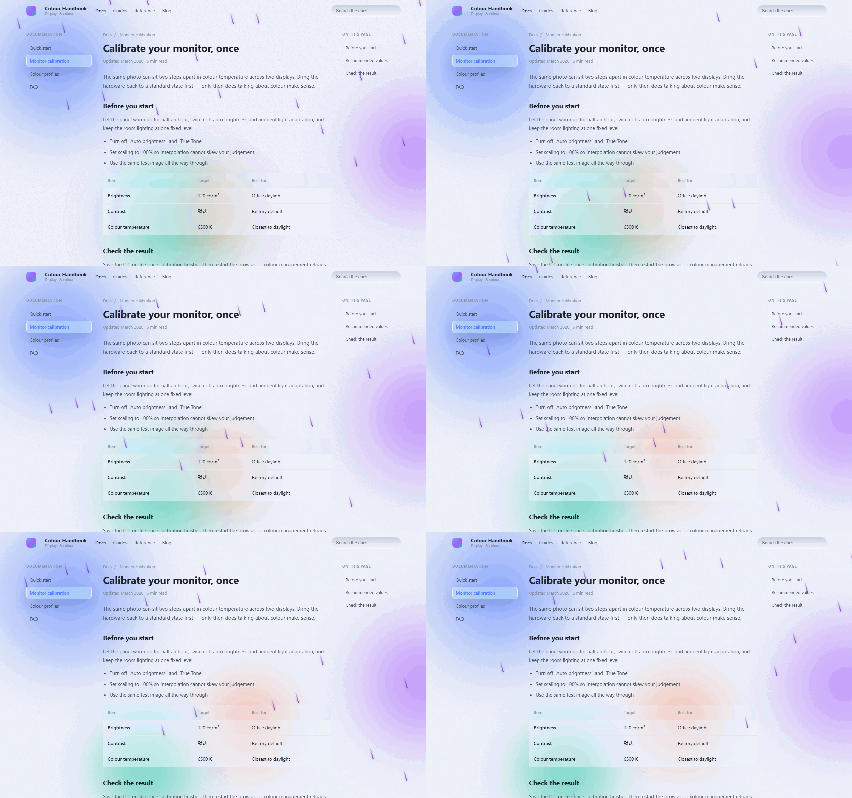 Misty Veil + rain
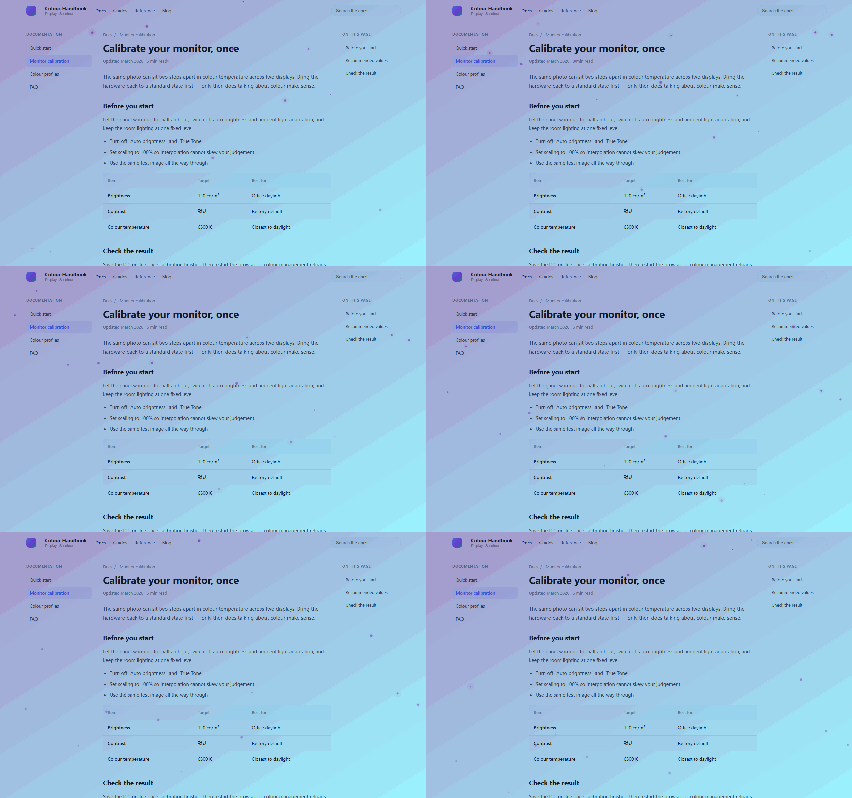 Dawn Eye Care + snow
Read next